free browser game
Noomiclone
Play Noomiclone online for free — nothing to install, restart any time, fullscreen supported.

Play Noomiclone Online
Launch Noomiclone directly in your browser and use fullscreen for the cleanest run.
ready to play
Noomiclone
Press Play Noomiclone to load the game iframe.
Recommended games


Noomiclone works best in fullscreen. On mobile, rotate your device if the game area feels cramped and use the touch controls shown inside the game.
Noomiclone Online: The Two Seconds That Decide the Attempt
Noomiclone is a bar gymnastics game built on ragdoll physics, and the browser build gives you four keys and one bar. You hang, you arch to load a swing, you tuck to pull the body short, then you let go. From that instant the body keeps every bit of momentum the swing handed it and turns on its own until it catches a bar again or reaches the red floor.
No steering, no camera and no aim.
That is the whole game, which is why this page treats it as a timing problem rather than a trick list. Two of the four keys change posture, one commits the release, one throws the attempt away. A control scheme that spends half its budget on shape and half on a single irreversible press is telling you where the difficulty lives. It is not in learning the buttons. It is in knowing what the body will do once you stop holding it.
You are about to play the web build: one fixed scene, no map menu, version 0.9, still marked in development by its author. The phone app is a far larger product. Keeping the two apart matters here because the phone has a slow-motion tool and the browser does not.
How Long to Hold the Arch Before You Let Go
A body swinging under a bar behaves like a pendulum, so the arithmetic of a pendulum is the right place to start. Each pass through the bottom of the arc adds speed. The bottom is also where the body moves fastest and sits lowest; the top is where it is highest and slowest. Release early, near the bottom, and you cross the floor quickly from a low start. Release late, close to the top, and you trade speed for height and time in the air. Neither is wrong on its own, because the useful question is where the next bar sits relative to that arc.
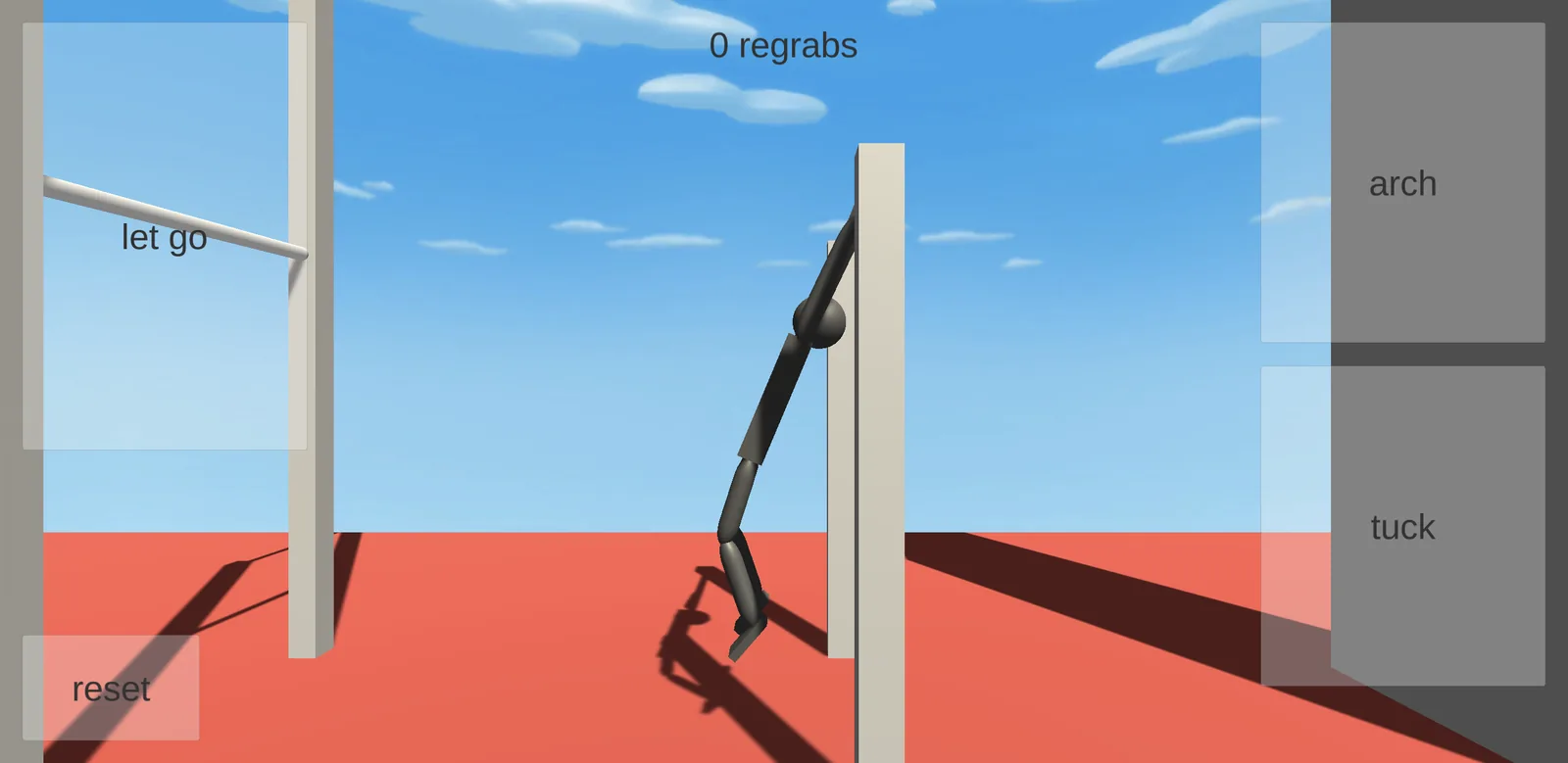
The arch frame on this page is called a full charge in its caption, and the pose matches the name: arms locked straight, feet hanging clear of the red floor. That is the pose you hold going into the release, and it is the last state you control before the body takes over.
The build gives you no swing meter, no trajectory line and no marker for stored energy. You read the swing off the body's position on screen, which makes the first attempts feel like guesswork and the later ones feel like rhythm. If you want a practice rule, pick one release point and repeat it until you can say what went wrong without pausing the game.
The posture at release matters as much as the moment, and that is what the four keys are for.
Noomiclone Controls: Which Key Changes What, in the Air
- 1
Arch
Hold to open the back and drive the swing. The hands stay on the bar, so this is loading rather than a move, and it is the posture the release is measured from. (Left arrow)
- 2
Tuck
Pulls the knees toward the chest. A shorter body turns faster, which makes this the press for when the rotation is too slow to come around before the floor arrives. (Space)
- 3
Let Go
Releases the bar. Everything after this press is a consequence of the posture you were holding at the instant you made it, which is why this is the one input worth rehearsing. (Up arrow)
- 4
Reset
Puts the athlete back on the bar. Nothing carries over, so the only thing a reset costs you is the seconds already spent on the attempt that failed. (R)
Adjusting Mid-Air: What Tuck Buys and What Arch Costs
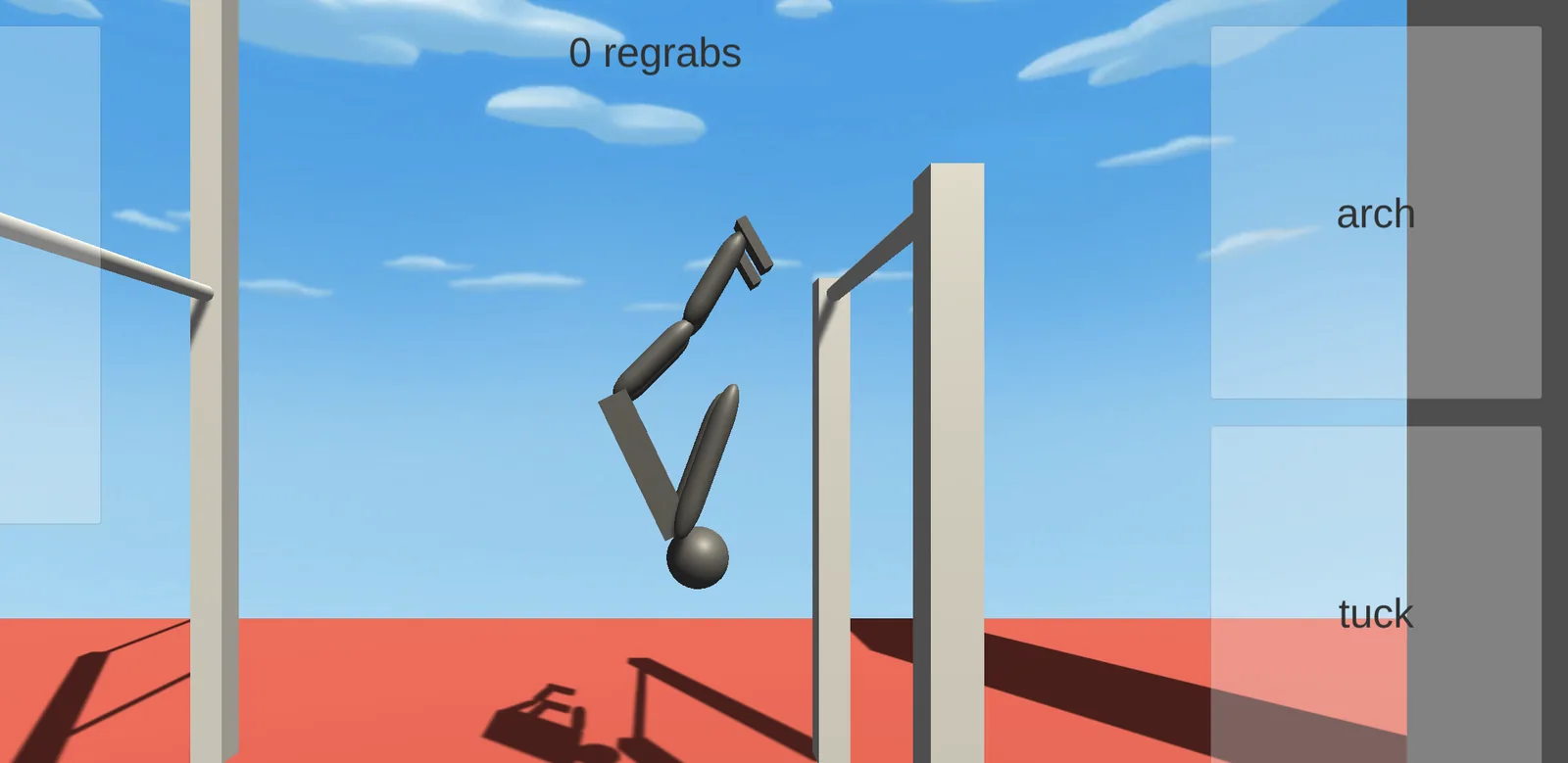
Once the hands leave the bar, the only thing left to change is the shape of the body. Tuck shortens the athlete and speeds up the rotation; opening out again slows it down. The official description says the same thing in one line: momentum and rotation carry through every move, so no two attempts are identical.
The author's move list is much longer than the browser build can express. Tuck, Pike, Arch, Layout, Squat, both Twist directions, Flash Kick, Stuck Landing and Bar Regrab are all named in the store listing. The web scene exposes four buttons, and only two of them change the shape of the body. Only Tuck and Arch from that list have a key in this build.
That gap is the honest limit of what this build lets you practice. With two shapes you are choosing between faster and slower rotation, not aiming at a point in space. Anyone hoping to reproduce a phone combo in the browser will find the vocabulary missing, and the adjustment here is coarse by design rather than by your skill.
A run that ends badly usually ended at the release. The tuck can rescue a slow rotation, but it cannot turn a bad line into a good one.
Where the Landing Is Decided: Regrab or Floor
The counter at the top of the screen tracks regrabs and starts at zero. A regrab is what it sounds like, the athlete catching a bar again after letting go. Bar Regrab sits on the official move list, and this counter is the only progress readout the browser build puts in front of you.
Reading that number as a score would be a mistake. Reading it as a timing report would not. Every regrab is a release that ended where you wanted it, so a session with four catches out of forty attempts says more about your release than any amount of thinking about it afterwards.
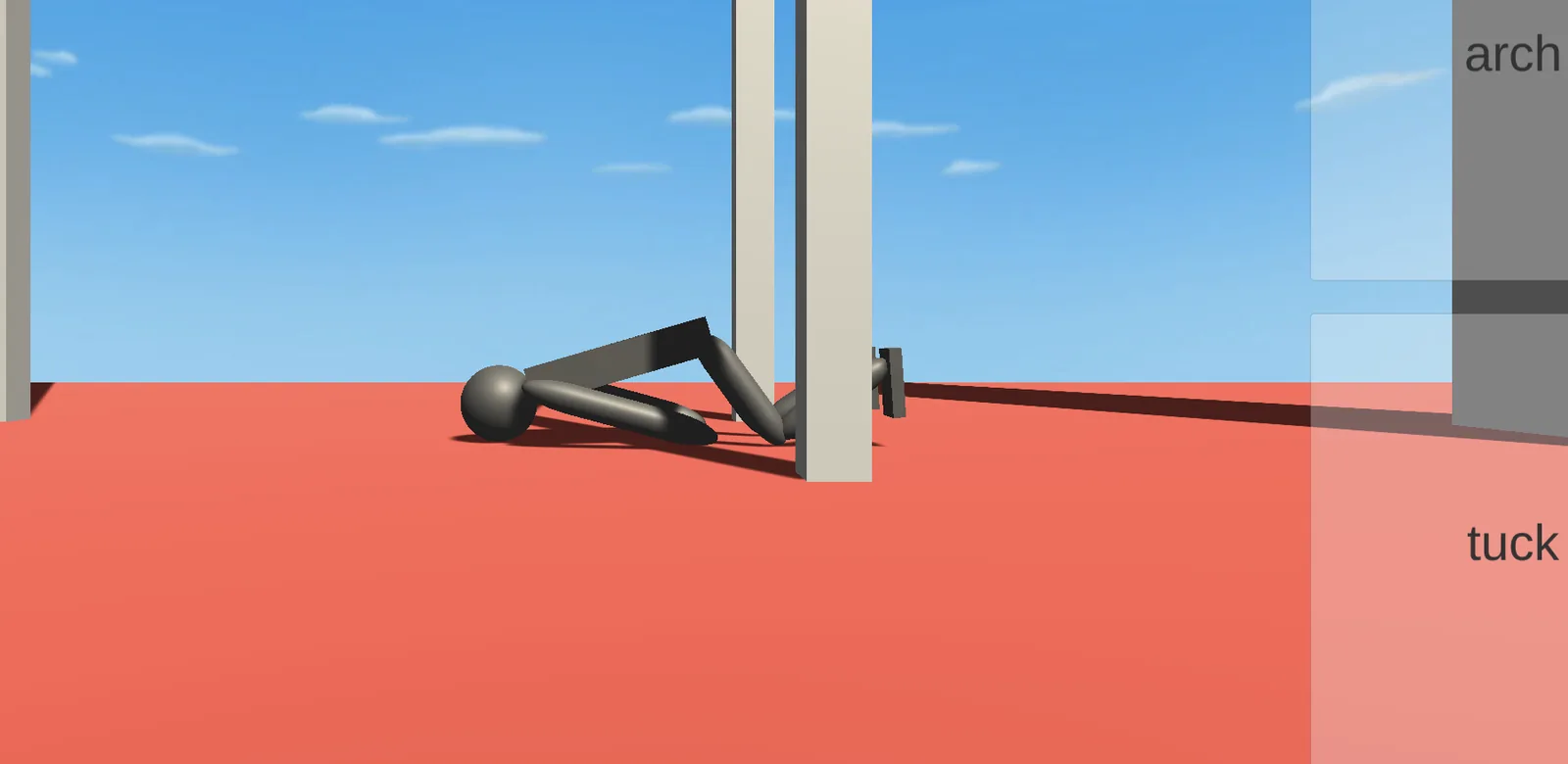
The floor is the other ending and it is not a separate decision. Nothing you press on the way down changes the outcome; our fall frame shows the camera dropping to floor level after the body has already settled. The real landing choice happens earlier, at the moment you reach for the bar you just left instead of letting the arc finish.
What this build can and cannot show you about that arc is worth knowing before the first attempt.
What the 0.9 Build Leaves Out, and Why It Matters
The web build reports itself as version 0.9, and its itch page still describes the project as in development. The scene is fixed: one bar setup, one floor, no menu to change either. Players on the itch page who asked how to switch maps were pointed at the phone version, which is the most direct evidence that the browser build is a slice rather than a port.
The phone app is version 2.3.2 and considerably bigger. It carries eighteen maps split between bar work and tumbling, plus slow motion, an exportable replay that draws your taps onto the video, buttons you can drag and resize, and a high frame rate option. It is free with ads and in-app purchases. The browser build is simply free.
Slow motion is the one that changes how you learn. It is a timing aid inside a game about timing, and it exists only on the phone. In the browser you are left with repetition and the reset key, which is slower than slow motion but not useless: the scene loads once, so a repeat attempt costs only the time it takes.
None of that makes the web build a demo to skip. It makes it a narrow practice room: one release, one bar, one counter, and no tools to soften the feedback.
Noomiclone Screenshots: The Bar, the Air and the Red Floor